Changelog

New features, improvements, and fixes shipped to InsForge.

Razorpay Support in Payments

InsForge Payments now supports Razorpay alongside Stripe. Configure test and live Razorpay keys in Payments → Settings, and InsForge mirrors your Items, Plans, Orders, and Subscriptions into the payments schema, projects payment results into transactions, and verifies every webhook signature for you.

Razorpay works differently from Stripe Checkout: instead of a hosted redirect, your backend creates the Order or Subscription, your frontend opens Razorpay Checkout, and InsForge verifies the returned signature.

typescript
const { data, error } = await insforge.payments.razorpay.createOrder("test", {
  amount: 50000,
  currency: "INR",
  receipt: "order_123",
  subject: { type: "user", id: user.id },
});

The response includes Checkout-native checkoutOptions, ready to pass straight into new Razorpay(options).open(). Subscriptions come with backend routes to cancel, pause, and resume, guarded by RLS policies.

Breaking change: this release reworks the payments foundation to support multiple providers. If your project is currently integrated with InsForge Payments, updating to v2.2.1 may break your existing payment flow. Join our Discord and we will help you migrate.

Razorpay docs

OpenRouter API Key Rotation

You can now rotate the OpenRouter API key behind your Model Gateway. In the dashboard's Model Gateway page, click Rotate next to your key — InsForge issues a fresh key and revokes the old one in a single step, with guards against concurrent rotations.

Use it on a schedule or the moment you suspect a key has leaked.

Deployments Are Now Sites

Frontend deployments now live under Sites in the dashboard. You will see Sites in the navigation and docs where you previously saw Deployments.

This rename better matches what developers are managing: the live frontend app, its production URL, custom domains, environment variables, and deployment logs. Existing deployment APIs and project behavior continue to work; the update is focused on clearer product language across the dashboard and documentation.

Updated Contributor Guidelines

We updated the InsForge contributor guidelines with a clearer issue-first workflow.

Before opening a pull request, contributors should find or open an issue, ask for it to be assigned, and link that issue from the PR. Each contributor can hold up to three open assigned issues across InsForge repositories at a time, which helps keep work visible and avoids duplicate efforts.

Drive-by fixes are still welcome, but the smoothest path is to claim an issue first, keep the PR focused, and re-request review after addressing reviewer feedback so maintainers know the changes are ready for another look.

OAuth Additional Params

OAuth flows now support provider-specific additional params for both built-in providers and custom OAuth providers.

This makes it easier to pass hints such as Google's prompt=select_account or a provider-specific login_hint when starting an OAuth flow:

ts
await insforge.auth.signInWithOAuth("google", {
  redirectTo: "https://app.example.com/auth/callback",
  additionalParams: {
    prompt: "select_account",
    login_hint: "user@example.com",
  },
});

Additional params are intended for optional provider hints only. Server-owned OAuth fields such as client_id, redirect_uri, code_challenge, state, response_type, and scope are still generated and controlled by InsForge.

Template Marketplace

The InsForge Template Marketplace is live at insforge.dev/templates. Pick from a growing collection of templates covering the kinds of projects people build most often, then download one to your machine with a single command:

bash
npx @insforge/cli create --marketplace <slug>

Each entry has a live demo, a cover image, framework and feature filters, and a per-template README you can read before you clone.

Built to Be Contributed To

The marketplace is sourced from the open-source repo. Add a directory, drop a row into registry.json, open a PR. When it merges, a sync workflow pings the marketplace and your template is live in about ten seconds. No redeploy needed.

The full process and CI checks are in CONTRIBUTING.md.

Blog post

PostHog Analytics Integration

InsForge now connects to PostHog in one OAuth click. From Analytics in the dashboard, click Connect PostHog — we provision a PostHog project for you, store the credentials encrypted, and the page fills with live data.

What ships on day one:

  • Web Analytics KPIs — visitors, page views, sessions, and bounce rate, each with a trend line and percent change vs. the previous window
  • Breakdowns — top pages, countries, and device types
  • Retention — weekly retention cohort, computed against $pageview events
  • Session replays — the most recent recordings, openable in a modal without leaving InsForge
  • API key card — copy the phc_ project key and host for anything the dashboard doesn't cover

A time-range selector at the top of the page controls every card in one place.

Setup for Agents

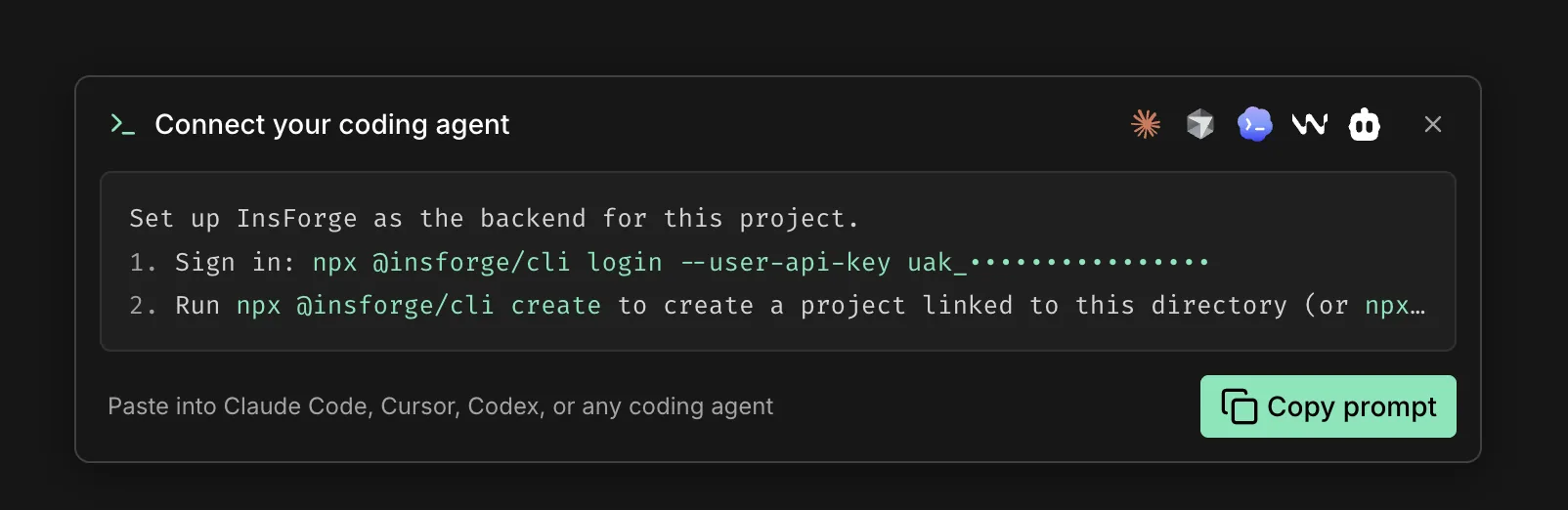
After connecting, the Analytics page shows a copyable prompt for Claude Code, Cursor, or any coding agent that runs the InsForge skill — the skill directs the agent to the official PostHog wizard, which detects your framework, installs the right SDK, and wires the provider with your project key. Or run it directly:

bash
npx @insforge/cli posthog setup

Blog post · PostHog's tutorial